
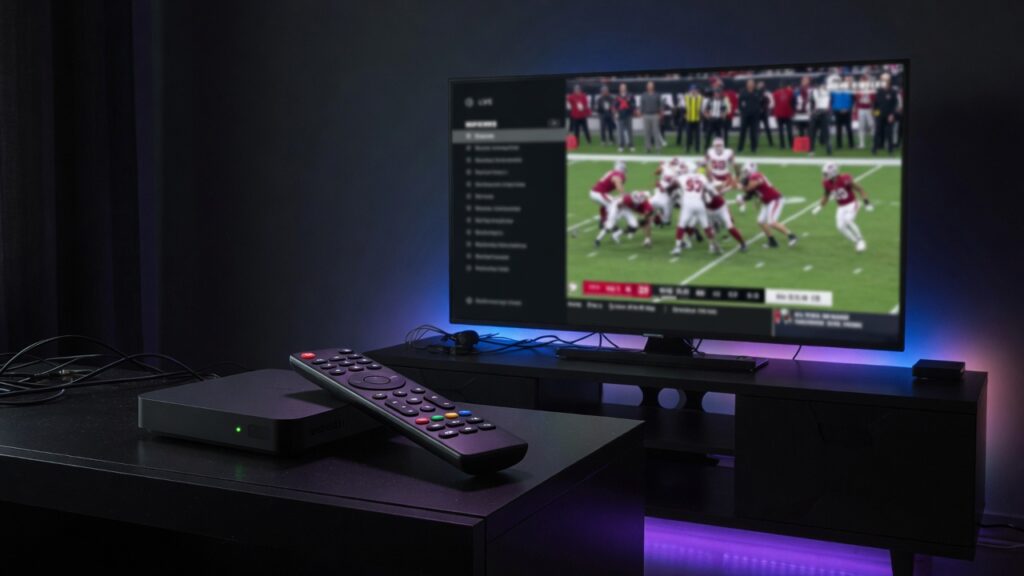
Short answer: on a Formuler Z box you set up IPTV through the MyTVOnline app by adding your provider’s portal or Xtream Codes details. It works well, but you’re tied to Formuler hardware — so if you want the same subscription on other screens too, eKoPlayer runs everywhere with one login.
How to set up IPTV on Formuler Z (MyTVOnline)
- Open MyTVOnline on your Formuler box.
- Add a playlist: choose Xtream Codes (server URL, username, password) or an M3U URL / portal, as your provider specifies.
- Save and let the channels and EPG load.
- Arrange favourites and start watching.
Want the same subscription on every device?
Formuler is a single box in one room. eKoPlayer lets you watch the same Xtream Codes or M3U line on Firestick, Android TV, Apple TV, iPhone, iPad, and Samsung and LG smart TVs — with a matching guide, catch-up and favourites on each.
Frequently asked questions
How do I add IPTV to a Formuler Z box?
Use the MyTVOnline app and add your Xtream Codes or M3U/portal details.
Can I watch the same line elsewhere?
Yes — enter the same details in eKoPlayer on your other devices.