
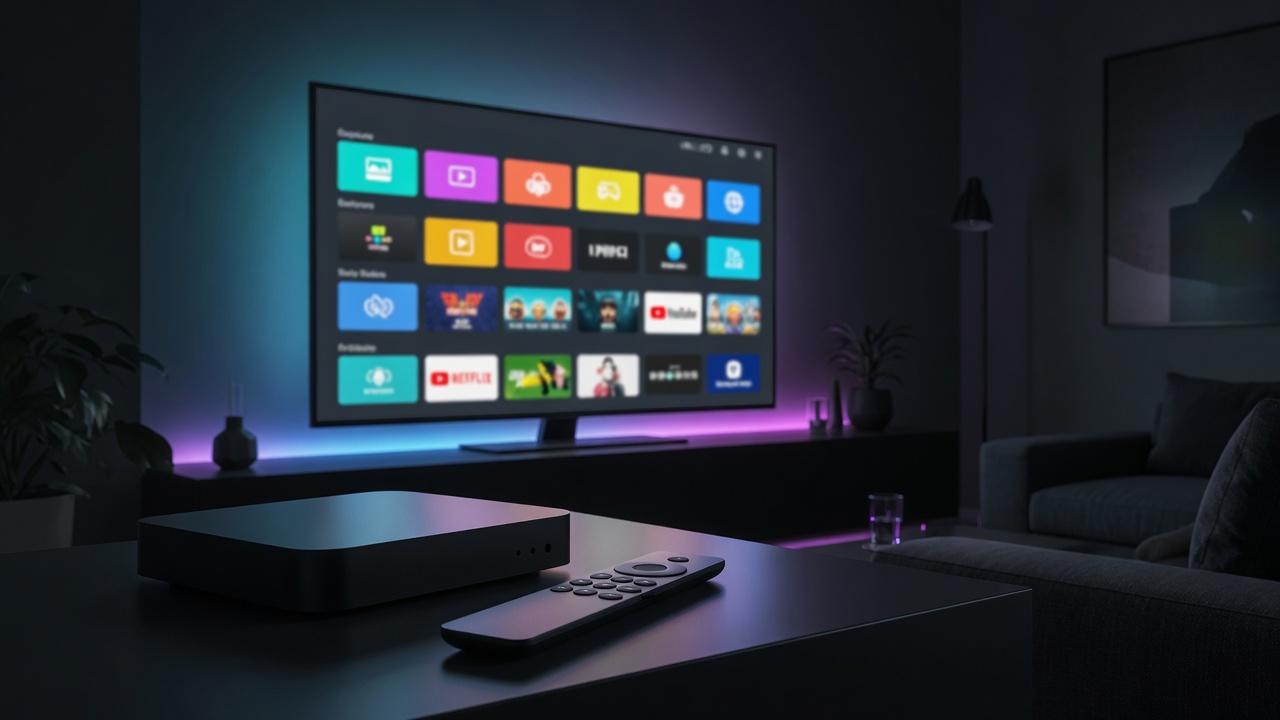
Short answer: the easiest way to watch IPTV on Apple TV in 2026 is eKoPlayer. Many IPTV players never make it to tvOS, but eKoPlayer runs natively on Apple TV — install it, enter your Xtream Codes or M3U details, and your channels, TV guide and catch-up load automatically.
Why Apple TV needs the right player
Apple TV is one of the best streaming boxes you can own, but it’s also one of the hardest for IPTV — tvOS is a closed platform, so most of the Android-first IPTV apps simply don’t exist here. eKoPlayer is built for Apple TV as a first-class platform, so you get the same clean, fast experience Apple users expect.
How to set up IPTV on Apple TV
- Install eKoPlayer on your Apple TV from eKoPlayer.com.
- Open it and add a source.
- Enter your Xtream Codes login (server URL, username, password) or your M3U link.
- Let the channel list and guide load, set favourites with the Siri Remote, and start watching.
Watch on your iPhone and iPad too
Because eKoPlayer is the same app across Apple devices, you can enter your subscription once and watch it on your Apple TV in the living room and on your iPhone or iPad on the go — favourites and resume follow you.
Frequently asked questions
Can you watch IPTV on Apple TV?
Yes — install a tvOS IPTV player like eKoPlayer and connect your Xtream Codes or M3U subscription.
What is the best IPTV player for Apple TV?
eKoPlayer — it runs natively on tvOS with a full guide and catch-up, and it’s the same app on iPhone, iPad, Firestick and smart TVs.
Do I need a subscription?
Yes — eKoPlayer is the player; you supply your own IPTV subscription.