
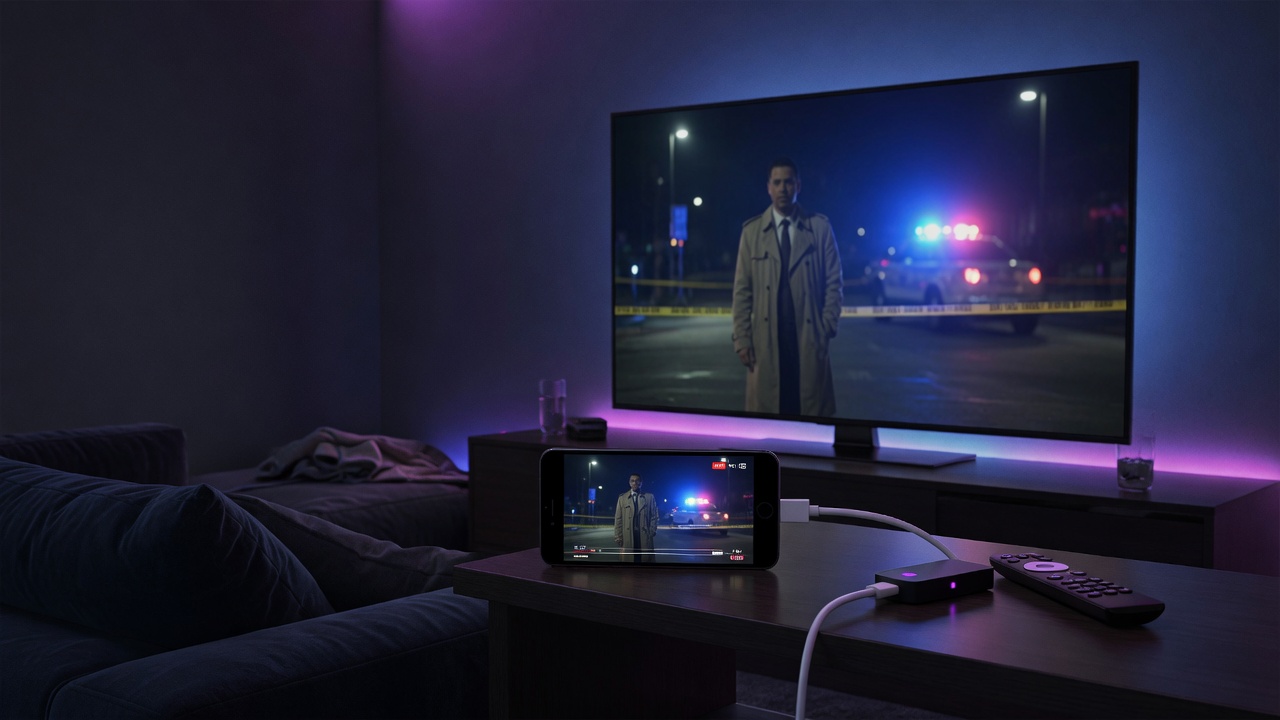
Short answer: Roku is a closed platform — you can’t sideload a full IPTV player onto it, and Roku’s built-in IPTV options are very limited. In 2026 the two things that actually work are: cast or mirror from your phone, or — the better experience by far — plug a cheap Firestick, Google TV or Android box into the same TV and run eKoPlayer natively. Here’s the honest guide.
Why IPTV on Roku is so limited
Roku doesn’t allow sideloading (installing apps from outside its store), and it has no general-purpose IPTV player like the ones on Fire TV or Android TV. The old “private channels” that some providers used have been discontinued. So unlike a Firestick, you can’t simply install eKoPlayer on a Roku — the platform doesn’t permit it.
Option 1: Cast or mirror from your phone
You can run eKoPlayer on your Android phone or tablet and mirror the screen to your Roku:
- On the Roku: Settings → System → Screen mirroring and enable it.
- On your Android device, open screen mirroring (Smart View / Cast) and select your Roku.
- Open eKoPlayer and play — it appears on the TV.
It works, but mirroring can add lag, drains your phone, and ties up the device. It’s a fallback, not a great everyday setup.
Option 2 (recommended): add a cheap streaming device
The best way to watch IPTV on a Roku TV is to stop relying on Roku for it. A Firestick, Chromecast with Google TV, or an Android TV box costs very little, plugs into a spare HDMI port, and runs eKoPlayer natively — with a full TV guide, catch-up and fast channel switching. You switch the TV input when you want IPTV, and keep Roku for everything else.
See our guides for installing IPTV on a Firestick, Google TV, or the best IPTV player overall.
Frequently asked questions
Is there an IPTV app for Roku?
Roku has no full IPTV player and doesn’t allow sideloading. Your realistic options are casting from a phone or adding a Firestick/Google TV device that runs eKoPlayer.
Can eKoPlayer run on Roku?
No — Roku’s closed platform doesn’t allow it. eKoPlayer runs on Firestick, Android TV, Google TV, Apple TV, and Samsung and LG smart TVs.
What’s the best way to watch IPTV on a Roku TV?
Plug in a cheap Firestick or Google TV device and run eKoPlayer on it — far better than mirroring from a phone.